|
Config/run the WiFi throttle on your phone
- Enable Wifi on the phone and connect to Netgear33
password, wittymint609 (??)
- open Engine Driver, go thru the configuration options, including:
- to automatically connect to the 1st JMRI server it finds
- select the desired interface:
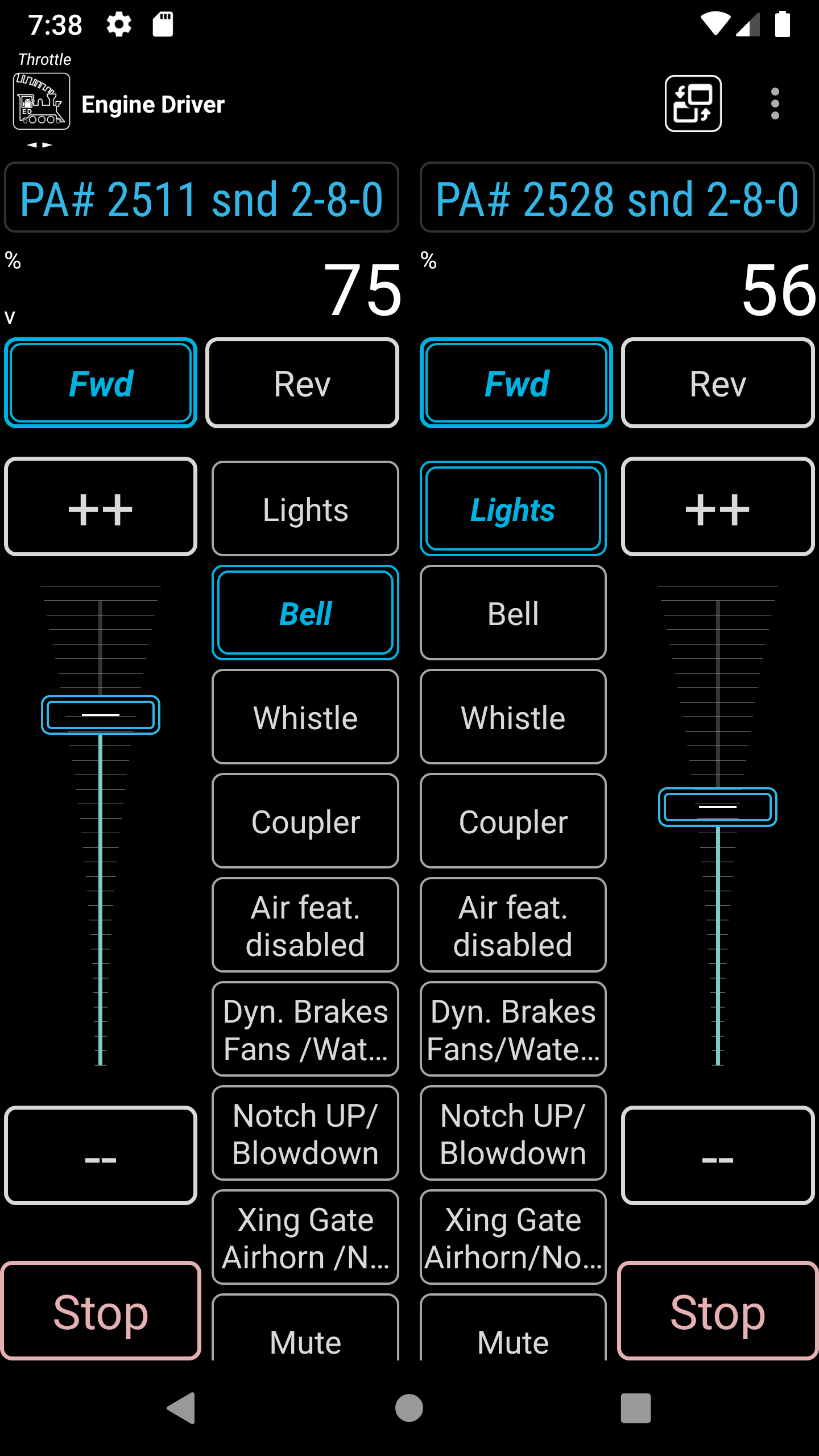
- 1 or 2 throttles,
- vertical/horizontal orientation
- large buttons
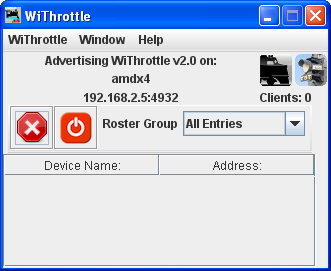
- it should automatically detect the JMRI server,
you may briefly see the server screen come up before
changing to the throttle screen,
if not select the JMRI server for My Railroad (??)
Running a loco
- make sure the layout is turned on
- press Select, enter a DCC addres,
select long and press Acquire
- hit the Horn button, use the slider or buttons to adjust speed
- select the Release icon to select a different DCC address
on the same throttle
- it maintains a history of DCC addres, click the icon
|